How Using Git’s –author Flag Stopped AI Bot Spam in Our Repository
We fought AI‑generated spam in our GitHub repo with a single Git flag. Here’s the step‑by‑step fix, why it works, and how to apply it to any project.
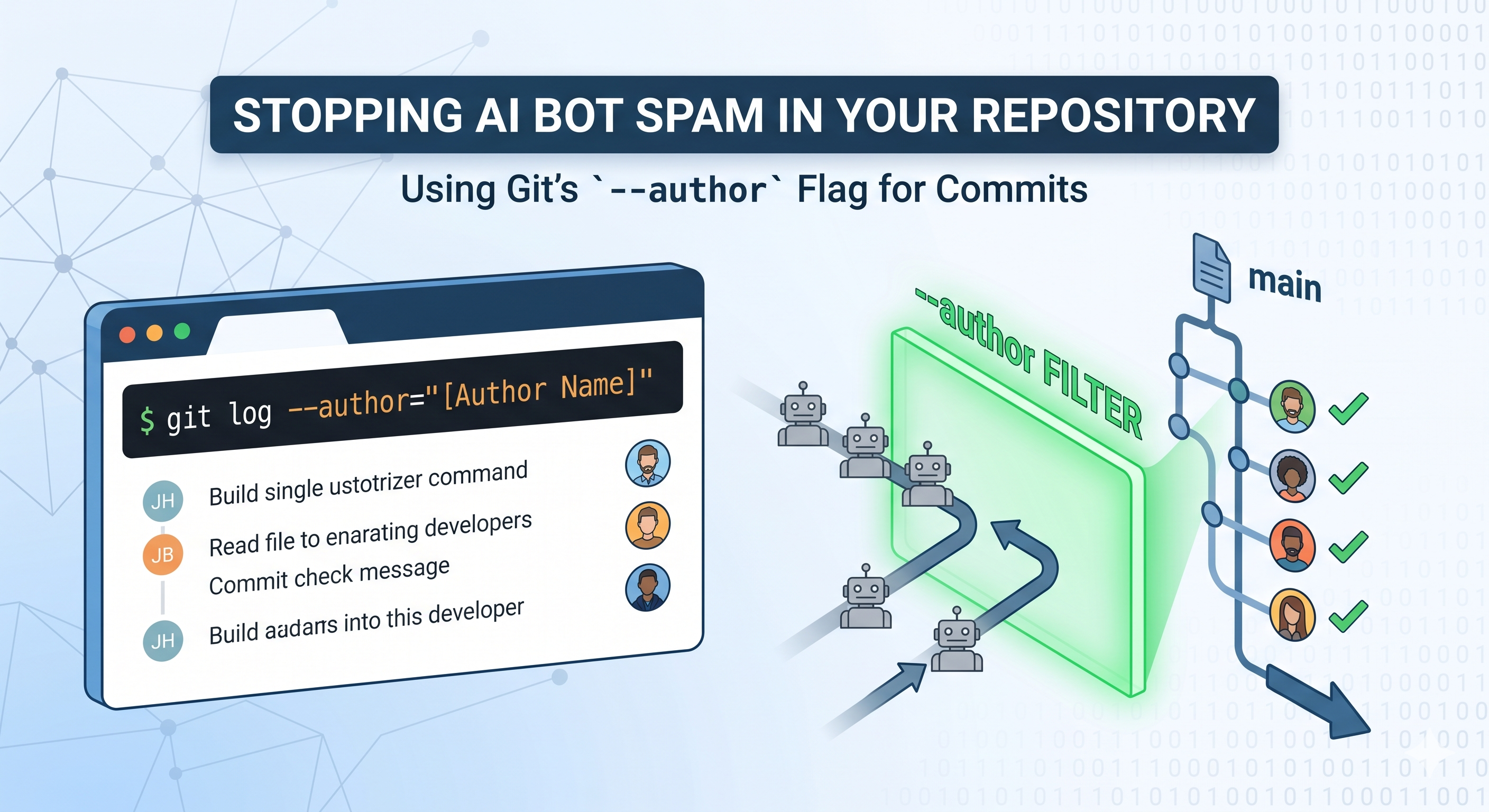
The problem: AI‑generated spam in a public repo
When we opened our GitHub repository to the community, we expected the usual pull‑request traffic—bug fixes, feature ideas, and occasional typo patches. Instead, a new pattern emerged: dozens of one‑line commits that added gibberish, duplicated code snippets, or injected malicious payloads. The culprit? An AI‑driven bot that scraped our README, generated plausible‑looking commit messages, and pushed them under a generic user name.
For a small indie team, the noise was more than a nuisance. Each spam commit polluted the commit history, inflated CI runtimes, and forced reviewers to sift through irrelevant changes. In extreme cases, the bot even attempted to add suspicious dependencies, raising security flags.
Why traditional defenses fell short
- Branch protection rules only prevented force‑pushes, not new commits.
- GitHub Actions could flag malicious code, but the bot’s commits were syntactically valid and passed linting.
- Rate‑limiting on the API helped a bit, yet the bot used multiple tokens to stay under the radar.
We needed a solution that operated at the Git level, before the commits even hit the remote.
The breakthrough: leveraging git commit --author
Git stores the author’s name and email in each commit object. By default, the values are taken from the local user.name and user.email configuration. However, you can override them with the --author flag when creating a commit:
git commit --author="Jane Doe <jane@example.com>" -m "Add feature X"
Our insight was simple: if we enforce a whitelist of allowed author identities on the server side, any commit that doesn’t match gets rejected. This approach turns the author field into a lightweight authentication token.
How we set it up
- Define the whitelist – a plain‑text file in the repo root, e.g.,
.git-author-whitelist:# format: Name <email> Alice Smith <alice@mycompany.com> Bob Jones <bob@mycompany.com> - Add a server‑side pre‑receive hook – GitHub doesn’t expose custom hooks directly, so we used a GitHub Action that runs on
pushevents, reads the incoming commits, and aborts the push if any author is missing from the whitelist. - Fail fast – The action returns a non‑zero exit code, causing the push to be rejected with a clear error message.
Sample pre‑receive script (run via a Docker‑based action)
name: Enforce Author Whitelist
on: push
jobs:
  check-authors:
    runs-on: ubuntu-latest
    steps:
      - uses: actions/checkout@v3
        with:
          fetch-depth: 0
      - name: Load whitelist
        id: whitelist
        run: |
          WHITELIST=$(cat .git-author-whitelist | grep -v '^#' | tr '\n' '|')
          echo "::set-output name=list::$WHITELIST"
      - name: Validate commit authors
        run: |
          BAD_COMMITS=$(git log origin/${{ github.ref }}..${{ github.sha }} --pretty="%h %an <%ae>" | grep -v -E "${{ steps.whitelist.outputs.list }}")
          if [ -n "$BAD_COMMITS" ]; then
            echo "❌ Unauthorized commit authors detected:"
            echo "$BAD_COMMITS"
            exit 1
          fi
The action runs before any CI tests, ensuring that malicious commits never trigger expensive pipelines.
Why the --author flag is a robust guard
| Aspect | Traditional Guard | --author Whitelist |
|---|---|---|
| Scope | Only protects against forced pushes or known bots. | Validates every commit regardless of source. |
| Performance | Requires external services (e.g., scanning tools). | Simple string match; negligible overhead. |
| Maintainability | Needs constant rule updates for new attack vectors. | Only update whitelist when a legitimate contributor changes email. |
| Transparency | Errors can be cryptic (e.g., “CI failed”). | Push is rejected with explicit author list. |
| Cost | May need paid security services. | Free – uses native Git/Actions. |
Because the author field is part of the commit’s cryptographic hash, it cannot be altered after the fact without creating a new commit. This immutability makes the whitelist approach tamper‑proof.
Integrating the workflow with ScreenMint
ScreenMint’s ASO automation platform already pulls screenshots and metadata from a repo to generate App Store assets. By adopting the same author‑whitelist pattern, you can ensure that only approved CI bots (e.g., the ScreenMint publishing bot) are allowed to push generated assets.
Practical steps:
- Add the ScreenMint bot’s service account email to
.git-author-whitelist. - Configure your CI pipeline to use
git commit --author="ScreenMint Bot <bot@screenmint.io>"when committing generated screenshots. - Keep the whitelist in sync across all micro‑repos that participate in the publishing workflow.
This not only stops external spam but also guarantees that every auto‑generated asset is traceable to a known source.
Lessons learned for indie hackers and startup founders
- Treat author metadata as a security surface. It’s easy to overlook, yet it offers a low‑friction gate.
- Fail early, fail loudly. Rejecting a push at the pre‑receive stage saves downstream compute and developer time.
- Document the whitelist in your repo’s CONTRIBUTING guide so new contributors know the expected commit format.
- Combine with other signals. The whitelist is not a silver bullet—pair it with code‑review policies and secret scanning for defense‑in‑depth.
- Automate the onboarding of new contributors by providing a CLI wrapper that sets
git config user.name/emailand runsgit commit --authorautomatically.
FAQ
Q1: What if a legitimate contributor uses a personal email not on the whitelist?
A: Add their email to .git-author-whitelist and ask them to commit with --author or configure their local Git settings accordingly.
Q2: Does this approach work with signed commits (GPG)? A: Yes. The author field is independent of the signature. You can still verify GPG signatures in addition to the whitelist.
Q3: Can a bot spoof an allowed author? A: Only if it has access to the private key used for GPG signing or the actual account credentials. The whitelist raises the bar but should be combined with proper credential management.
Q4: Will this break forks or external contributors? A: Forks that submit pull requests are unaffected because the check runs on the target repository when the PR is merged. However, direct pushes to protected branches will be blocked unless the author is whitelisted.
Q5: How do I audit violations? A: The GitHub Action logs the offending commits and authors. You can forward these logs to a monitoring channel (e.g., Slack) for real‑time alerts.
Bottom line
A single Git flag—--author—combined with a modest server‑side whitelist can neutralize AI‑driven spam bots, keep your commit history clean, and protect CI resources. For indie teams juggling limited bandwidth, this technique offers a high‑impact, low‑maintenance safeguard that integrates seamlessly with existing workflows, including ScreenMint’s automated asset pipelines.
Practical takeaways
- Add a
.git-author-whitelistfile to every repo you own. - Enforce the whitelist with a pre‑receive GitHub Action.
- Use
git commit --authorfor any automated bot (ScreenMint, CI, etc.). - Document the process for contributors to avoid friction.
- Pair the whitelist with other security best practices for a layered defense.