What Codex in the ChatGPT Mobile App Means for Mobile Developers
OpenAI has embedded Codex inside the ChatGPT mobile app, turning your phone into a pocket‑size coding assistant. Here’s what that means for mobile developers and how to get the most out of it.
Why Codex in a Mobile App Matters
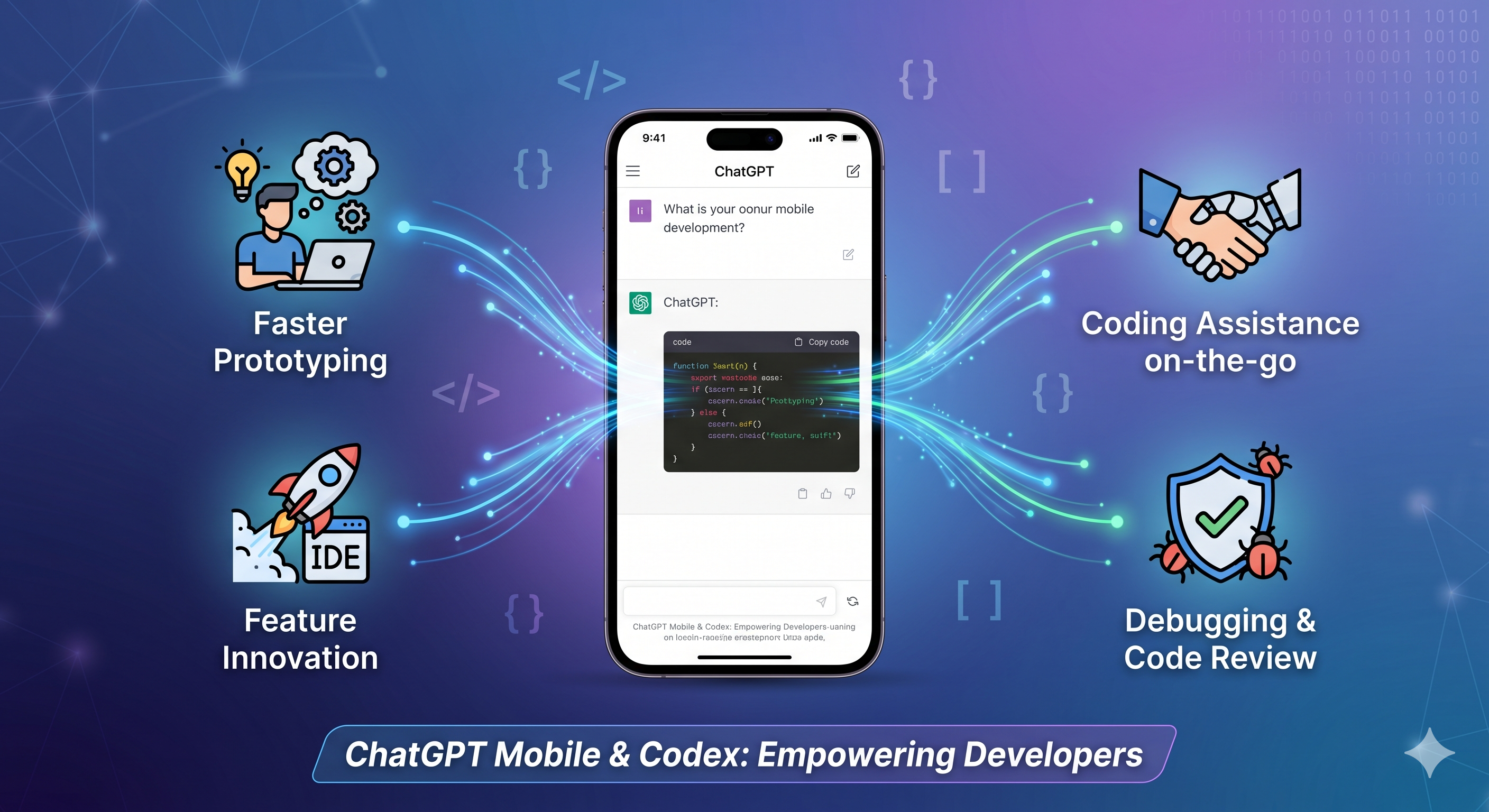
When OpenAI announced that Codex – the model that powers GitHub Copilot – is now embedded in the ChatGPT mobile app, it wasn’t just a nice‑to‑have feature. For developers who live on the edge of their laptops and coffee shops, having a full‑stack code generator in a pocket device changes the calculus of rapid iteration.
- Instant access: No need to fire up a laptop or a cloud IDE. A quick tap on your phone can generate a function, troubleshoot a bug, or draft a UI component.
- Contextual awareness: Because the same model powers the chat interface, you can keep the conversation history, ask follow‑up questions, and refine generated code without losing context.
- Cross‑platform continuity: Start a snippet on your phone during a commute, finish it on a desktop, and push the changes directly to your repo.
For indie hackers, this translates to more time building product features and less time wrestling with boilerplate. For startup founders, the mobile‑first workflow can accelerate prototyping cycles and keep the team aligned when everyone is spread across time zones.
How the Integration Works
OpenAI’s announcement (see the official blog post) outlines three core interaction patterns:
- Prompt‑driven generation – Type a natural‑language request like “Create a SwiftUI button that toggles dark mode” and receive ready‑to‑paste code.
- Conversational refinement – Follow up with “Add an animation that fades the button in over 0.3 seconds” and Codex will adjust the previous snippet.
- File‑level assistance – Upload a file (or paste a code block) and ask for improvements, refactors, or unit tests.
All of this happens inside the same ChatGPT UI you already know, but now the underlying model switches to Codex for any code‑related request. The app still handles natural‑language queries, so you can seamlessly move between product brainstorming and actual implementation.
Real‑World Use Cases for Mobile Developers
1. Rapid UI Prototyping
Indie developers often need to spin up screens in Swift, Kotlin, or Flutter quickly. With Codex on mobile, you can:
- Generate a complete screen layout from a brief description.
- Request platform‑specific nuances (e.g., “Add safe‑area insets for iOS").
- Iterate on styling by asking for dark‑mode variants.
2. Debugging on the Fly
Stuck with a runtime error while testing on a physical device? Snap a screenshot of the error, copy the stack trace into the chat, and ask Codex for a fix. The model can suggest:
- Missing import statements.
- Correct API usage patterns.
- Quick unit‑test scaffolding to reproduce the bug.
3. API Integration Snippets
Whether you’re pulling data from a REST endpoint or integrating a third‑party SDK, Codex can draft the networking layer in seconds:
// Example request generated by Codex on ChatGPT mobile
val client = OkHttpClient()
val request = Request.Builder()
    .url("https://api.example.com/items")
    .header("Authorization", "Bearer $token")
    .build()
You can then ask follow‑up questions about error handling, pagination, or coroutine conversion.
4. ASO Asset Automation
ScreenMint’s core offering is automated screenshot generation and ASO metadata. Codex can help you script repetitive tasks, such as:
- Generating a Fastlane lane that uploads new screenshots to the App Store.
- Writing a small Node.js script that pulls localized strings from a spreadsheet.
- Building a CI step that validates image dimensions before publishing.
Having these snippets on hand in a mobile chat window speeds up the iteration loop for marketing‑focused developers.
Comparison: Codex in ChatGPT Mobile vs. Traditional Desktop Tools
| Feature | Codex in ChatGPT Mobile | Desktop IDE + Copilot | Stand‑alone Code Generators |
|---|---|---|---|
| Portability | Runs on any smartphone (iOS/Android) | Requires laptop/desktop | Usually web‑based, but not always mobile‑optimized |
| Context retention | Conversation thread persists across devices | Session tied to IDE instance | Often stateless, single‑prompt only |
| Cost | Included with ChatGPT Plus/Enterprise subscription | Separate Copilot subscription | Varies; many are pay‑per‑use |
| Integration depth | Can upload files, request refactors, generate tests | Directly injects into codebase via IDE | Usually returns plain text snippets |
| Learning curve | Minimal – natural language UI | Requires IDE familiarity | Varies by tool |
For developers who already use ChatGPT for brainstorming, the mobile Codex integration offers the least friction way to move from idea to code without switching environments.
Best Practices for Using Codex on Mobile
- Start with a clear prompt – The more specific you are, the cleaner the snippet. Include language, framework, and any constraints.
- Validate generated code – Treat Codex as a smart autocomplete, not a production‑ready compiler. Run linting and unit tests before merging.
- Leverage the conversation history – Ask follow‑up questions rather than re‑prompting from scratch. This keeps variable names and imports consistent.
- Secure sensitive data – Never paste API keys or passwords into the chat. Use placeholders and replace them locally.
- Combine with CI – Export snippets to your repo and let your CI pipeline catch any regressions.
Practical Takeaways
- Boost productivity: Use the mobile app for quick “write‑me‑a‑function” moments when you’re away from your desk.
- Bridge design and code: Turn UI sketches or design notes into runnable components directly from your phone.
- Accelerate ASO workflows: Script repetitive screenshot‑upload tasks with Codex‑generated Fastlane lanes, then feed them into ScreenMint’s automation.
- Stay disciplined: Always run generated code through your test suite and code review process.
FAQ
Q: Do I need a separate Copilot subscription to use Codex in the mobile app? A: No. Codex is accessed through the ChatGPT subscription (Free, Plus, or Enterprise). The same plan that gives you GPT‑4 access also unlocks Codex for code‑related queries.
Q: Is the mobile experience as powerful as the desktop version of Copilot? A: Functionally, Codex can generate the same quality of code, but the UI is chat‑based rather than inline IDE suggestions. It excels at conversational generation and refactoring.
Q: Can I export generated snippets directly to my GitHub repository? A: The app lets you copy the code to the clipboard. From there you can paste into your IDE or use a mobile Git client to commit. Future updates may add one‑click push.
Q: How does this affect data privacy? A: OpenAI retains prompts for model improvement unless you opt‑out via the settings. Avoid sending proprietary code if you have strict confidentiality requirements.
Q: Will Codex work offline on the mobile app? A: No. The model runs in the cloud, so an internet connection is required for every request.
Bottom Line
Embedding Codex into the ChatGPT mobile app turns a ubiquitous device into a capable coding companion. For indie hackers and mobile startups, the immediate benefit is a speedier iteration loop: you can sketch ideas, generate code, and refine it without ever opening a laptop. When paired with tools like ScreenMint for ASO automation, the workflow becomes a seamless loop from concept to store listing, all driven by AI.
Embrace the mobile‑first approach, but keep the usual safeguards—review, test, and version‑control—so the convenience doesn’t compromise quality.