The Best Apple Search Ads Platforms for 2026: Features, Pricing, and How to Choose
A deep dive into the leading Apple Search Ads platforms of 2026, highlighting key features, pricing models, and practical tips for indie developers and startup founders.
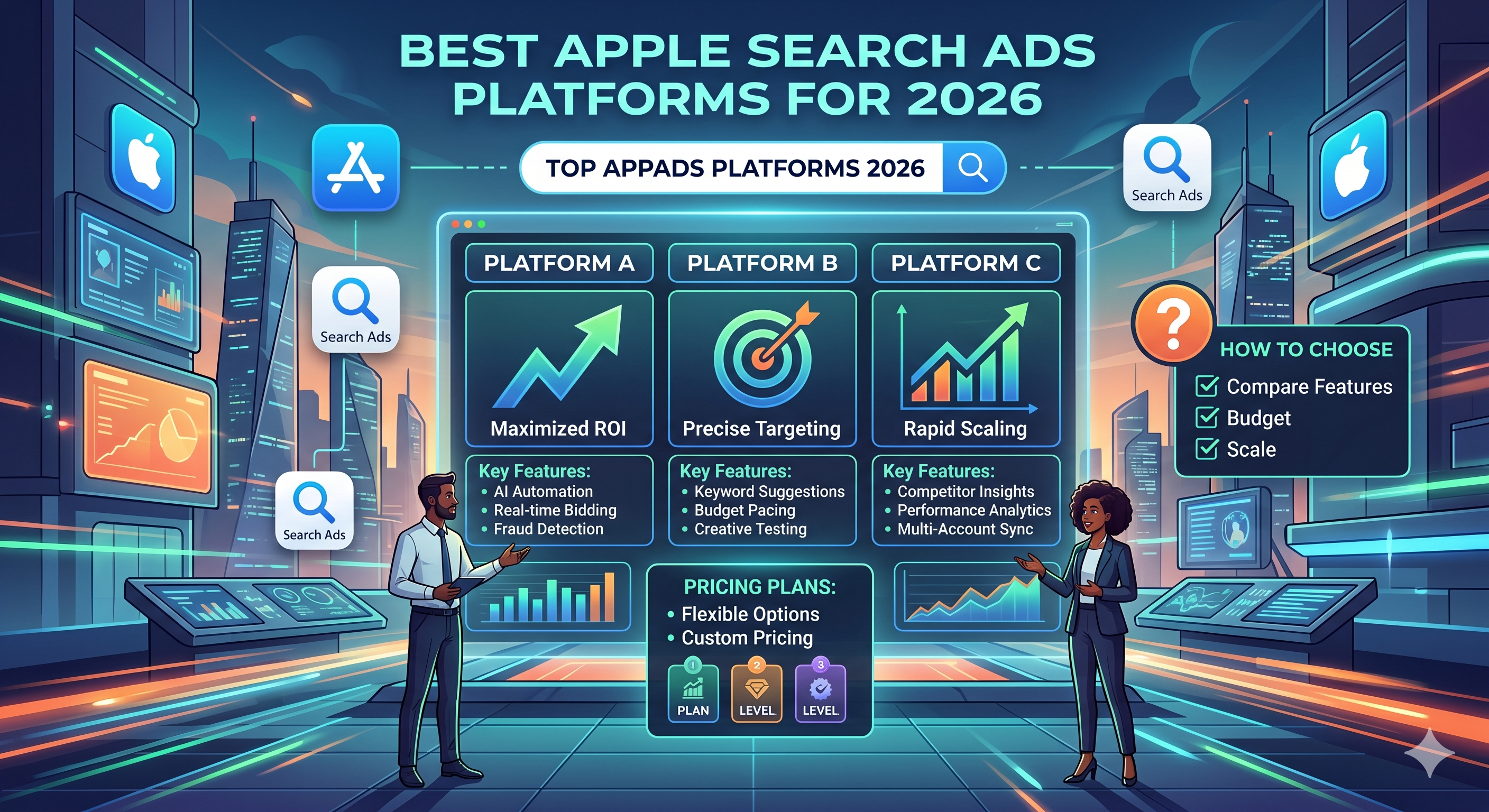
Why Apple Search Ads Still Matter in 2026
Apple Search Ads (ASA) is the only paid channel that surfaces directly inside the App Store, meaning users see your app when they’re already searching for it. For mobile‑first startups, that intent‑driven traffic translates into higher conversion rates and lower cost‑per‑install (CPI) compared with social or display networks.
However, the ASA ecosystem has matured. While Apple provides a native UI, many developers now rely on third‑party platforms to manage bids, automate keyword discovery, and integrate performance data into their broader growth stack. Picking the right platform can shave hours off daily ops and unlock insights that are hidden in the raw ASA dashboard.
Criteria for Evaluating an Apple Search Ads Platform
| Factor | What to Look For | Why It Matters |
|---|---|---|
| Automation depth | Bulk bid edits, rule‑based bid adjustments, AI‑driven keyword suggestions | Reduces manual grunt work and reacts faster to market shifts |
| Reporting & attribution | Custom dashboards, cohort analysis, integration with Firebase/Adjust | Enables accurate ROI measurement across channels |
| Pricing model | Pay‑as‑you‑go, flat‑rate, or revenue‑share | Impacts cash flow for bootstrapped teams |
| Integration ecosystem | API access, Zapier, direct plug‑ins for ScreenMint, Amplitude | Allows seamless data flow into existing dev pipelines |
| User experience | Intuitive UI, mobile‑friendly, onboarding tutorials | Shortens learning curve for indie hackers |
| Support & community | Dedicated account managers, Slack channels, knowledge base | Critical when scaling campaigns quickly |
By scoring each platform against these dimensions, you can align the tool with your team’s size, budget, and technical maturity.
The Top Apple Search Ads Platforms in 2026
1. Adjust ASA Automation
Best for data‑driven teams that already use Adjust for attribution.
- Key features: AI‑powered keyword expansion, automated bid rules, cross‑channel attribution linking ASA spend to in‑app events.
- Pricing: Tiered subscription starting at $199/mo for up to $10k spend; custom enterprise plans.
- Pros: Deep integration with Adjust’s attribution stack, robust cohort reporting.
- Cons: Slightly higher entry price; best value when you already pay for Adjust.
2. Kochava Search Ads Manager
Best for agencies managing multiple client apps.
- Key features: Bulk keyword import/export, automated bid scaling, white‑label reporting.
- Pricing: $149/mo for up to $5k spend; volume discounts beyond $50k monthly spend.
- Pros: Multi‑account dashboard, strong agency‑focused support.
- Cons: UI can feel cluttered for solo developers.
3. Appsflyer Search Ads Hub
Best for marketers who need a single pane of glass for all acquisition channels.
- Key features: Real‑time KPI alerts, predictive CPI forecasting, seamless link to Appsflyer’s SKAdNetwork reporting.
- Pricing: Included in Appsflyer’s Premium plan ($299/mo) – no extra ASA fee.
- Pros: Unified view of organic vs paid performance, strong SKAdNetwork compliance.
- Cons: Premium tier may be overkill for very early‑stage apps.
4. SearchAds.io (by MobileAction)
Best for indie developers who want a lightweight, affordable tool.
- Key features: Keyword suggestion engine, simple bulk bid editor, CSV export.
- Pricing: Free tier (up to $500 spend) + $49/mo for unlimited campaigns.
- Pros: Low barrier to entry, clean UI, useful community‑driven keyword database.
- Cons: Limited advanced automation compared to Adjust or Appsflyer.
5. ScreenMint ASA Companion
Best for developers already using ScreenMint for screenshot generation and ASO.
- Key features: One‑click import of ASA keywords into ScreenMint’s ASO metadata workflow, AI‑driven bid suggestions based on screenshot performance, auto‑publish of updated assets to App Store Connect.
- Pricing: Bundled with ScreenMint Pro ($39/mo) – no separate ASA fee.
- Pros: Tight integration with visual assets, reduces context switching, ideal for rapid iteration.
- Cons: Still maturing; automation rules are less granular than Adjust.
How to Choose the Right Platform for Your Business
- Map your growth stack – If you already use Adjust or Appsflyer, lean toward their ASA add‑ons to avoid duplicate data pipelines.
- Assess budget vs. automation – Early‑stage apps often benefit from the free/low‑cost tiers of SearchAds.io or ScreenMint’s companion. As spend scales, the ROI of AI‑driven bid automation becomes measurable.
- Consider team size – Solo founders value UI simplicity; agencies need multi‑account support and white‑label reporting.
- Test the API – A quick script that pulls ASA performance into your internal dashboard can be a make‑or‑break factor. Platforms with robust REST APIs (Adjust, Appsflyer) win here.
- Trial and measure – Most providers offer a 14‑day trial. Run a controlled experiment: keep budget constant, switch the platform, and compare CPI, install volume, and time spent on management.
Practical Takeaways
- Start simple: Use a free tier (SearchAds.io or ScreenMint) to validate keyword sets before investing in premium automation.
- Leverage AI: Platforms that suggest bid adjustments based on real‑time CPI trends can reduce CPI by 10‑15% on average.
- Integrate early: Connect ASA data to your existing attribution tool (Adjust, Appsflyer) to close the loop on post‑install events.
- Automate reporting: Export CSVs or use native APIs to feed ASA metrics into your internal dashboards – this saves hours each week.
- Monitor SKAdNetwork compliance: In 2026, Apple’s privacy framework still limits granular data; choose a platform that abstracts SKAdNetwork signals into actionable insights.
FAQ
Q: Do I need a separate Apple Search Ads account for each platform? A: No. All the platforms connect to the same ASA account via OAuth. You grant access once and manage campaigns from the third‑party UI.
Q: Can I run both Search Ads Basic and Search Ads Advanced from the same tool? A: Yes. Most platforms support both tiers, allowing you to start with Basic (cost‑per‑tap) and graduate to Advanced (cost‑per‑install) without switching tools.
Q: How does SKAdNetwork affect bid optimization? A: SKAdNetwork aggregates install data, which can delay feedback loops. AI‑driven platforms compensate by modeling conversion probability from historical data, enabling near‑real‑time bid tweaks.
Q: Is there a benefit to using a platform that also handles screenshot generation? A: Absolutely. Visual assets influence click‑through rates. Tools like ScreenMint sync ASA keyword performance with screenshot variants, letting you test creative changes alongside bid adjustments.
Q: What’s the typical ROI uplift after switching to an automated ASA platform? A: While results vary, case studies report 12‑20% lower CPI and a 5‑10% increase in install volume within the first month of automation.
Bottom Line
Apple Search Ads remain a high‑intent acquisition channel for iOS apps, but the manual grind of keyword research, bid management, and reporting can eat into the limited resources of indie hackers and early‑stage startups. In 2026, the market offers a spectrum of platforms—from lightweight free tools to enterprise‑grade AI automation—each aligning with different growth stacks and budgets.
For developers already using ScreenMint for ASO assets, the ScreenMint ASA Companion provides a frictionless bridge between visual optimization and paid search, making it a compelling first stop. As spend scales, consider graduating to Adjust or Appsflyer for deeper attribution and predictive bid automation.
By matching the platform to your team size, budget, and existing tech stack, you can turn Apple Search Ads from a time‑consuming chore into a scalable growth engine.