Automating Windows Desktop Tasks at Scale with Minicor
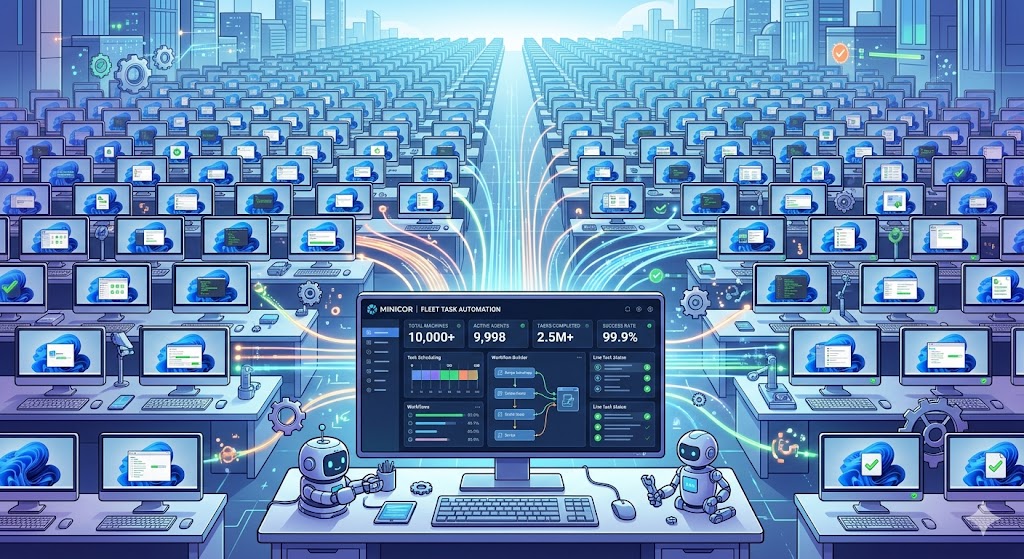
Minicor, a Y Combinator startup, is simplifying Windows desktop automation, enabling developers to streamline their workflows and enhance productivity.
Introduction
In the fast-paced world of software development, efficiency is paramount. Developers often find themselves spending countless hours on repetitive tasks that could be easily automated. Enter Minicor, a Y Combinator startup from the P26 batch that is poised to change the landscape of Windows desktop automation.
With a focus on making automation accessible and scalable, Minicor is designed for developers who want to streamline their workflows and maximize productivity. In this article, we will explore how Minicor stands out in the crowded automation space, its features, and the potential impact it can have on your development processes.
What is Minicor?
Minicor is a powerful tool for automating Windows desktop tasks at scale. It targets developers who require a robust solution for automating repetitive processes without the need for extensive coding knowledge. With Minicor, you can automate tasks such as data entry, file management, and application interactions, allowing you to focus on more critical aspects of your projects.
Key Features of Minicor
- User-Friendly Interface: Minicor offers a straightforward interface that enables developers to create automation scripts without needing to dive deep into programming.
- Scalability: Designed for teams, Minicor allows multiple users to collaborate on automation projects, making it suitable for startups and large organizations alike.
- Integration Capabilities: Minicor can easily integrate with various applications, enhancing its utility in diverse development environments.
- Real-Time Monitoring: Users can track the performance of their automation scripts in real-time, ensuring that any issues can be addressed promptly.
- Customizable Workflows: The platform allows for extensive customization, enabling developers to tailor automation scripts to their specific needs.
The Need for Desktop Automation
In today's software development landscape, the time developers spend on mundane tasks can detract from innovation and creativity. Here are some common scenarios that illustrate the necessity of desktop automation:
- Repetitive Data Entry: Many applications require the same data to be entered repeatedly, which can be automated to save time.
- File Management: Moving, renaming, or organizing files can be effectively automated, reducing the chance of human error.
- Testing and Debugging: Automated testing tools can run scripts that simulate user interactions, significantly speeding up the debugging process.
Comparison of Automation Tools
Here’s a quick comparison of Minicor with other notable automation tools:
| Feature | Minicor | Tool A | Tool B |
|---|---|---|---|
| User-Friendly | Yes | Yes | No |
| Scalability | High | Medium | Low |
| Real-Time Monitoring | Yes | No | Yes |
| Integration | Extensive | Limited | Extensive |
| Customizable | Yes | Yes | No |
As you can see, Minicor offers a blend of user-friendliness and scalability that sets it apart from its competitors.
Why Choose Minicor?
Choosing the right automation tool is crucial for maximizing efficiency. Here are some reasons why Minicor should be on your radar:
- Accessibility: Even if you’re not a programming expert, Minicor's intuitive design allows you to create automation scripts with ease.
- Collaboration: With features that support teamwork, you can involve multiple developers in creating and refining automation processes.
- Cost-Effective: Investing in automation tools like Minicor can lead to significant time savings and increased productivity, yielding a high return on investment.
Practical Takeaways
- Start Small: Begin by automating simple tasks and gradually expand to more complex workflows. This approach will help you understand the platform and maximize its potential.
- Leverage Community Resources: Engage with the Minicor community to share insights, scripts, and best practices. This collaboration can enhance your learning curve and lead to innovative solutions.
- Monitor Performance: Regularly check the performance of your automation scripts to ensure they are running smoothly and efficiently.
FAQ
1. What types of tasks can I automate with Minicor?
You can automate a wide range of tasks, including data entry, file management, and application interactions. Essentially, any repetitive desktop task can be automated.
2. Do I need programming skills to use Minicor?
No, Minicor is designed to be user-friendly and accessible to users without extensive coding experience.
3. Can Minicor integrate with other applications?
Yes, Minicor offers extensive integration capabilities, allowing it to work seamlessly with various applications.
4. Is Minicor suitable for teams?
Absolutely! Minicor is designed for scalability, making it an excellent choice for both small teams and larger organizations.
5. How can I monitor the performance of my automation scripts?
Minicor provides real-time monitoring features, allowing you to track the performance and efficiency of your automation processes.
Bottom Line
Minicor represents a significant advancement in making Windows desktop automation accessible and efficient for developers at all levels. By providing an intuitive interface, scalability, and robust features, it empowers users to automate repetitive tasks and focus on what truly matters—innovation. As the demand for automation continues to rise, tools like Minicor will undoubtedly play a crucial role in shaping the future of software development.