Why Most Americans Distrust AI and What It Means for Mobile Developers in 2025
A new Pew‑Gallup poll reveals that a majority of Americans lack confidence in artificial intelligence and its regulators. This editorial breaks down the data, examines why the gap exists, and offers concrete steps for mobile developers to build trust‑first products.
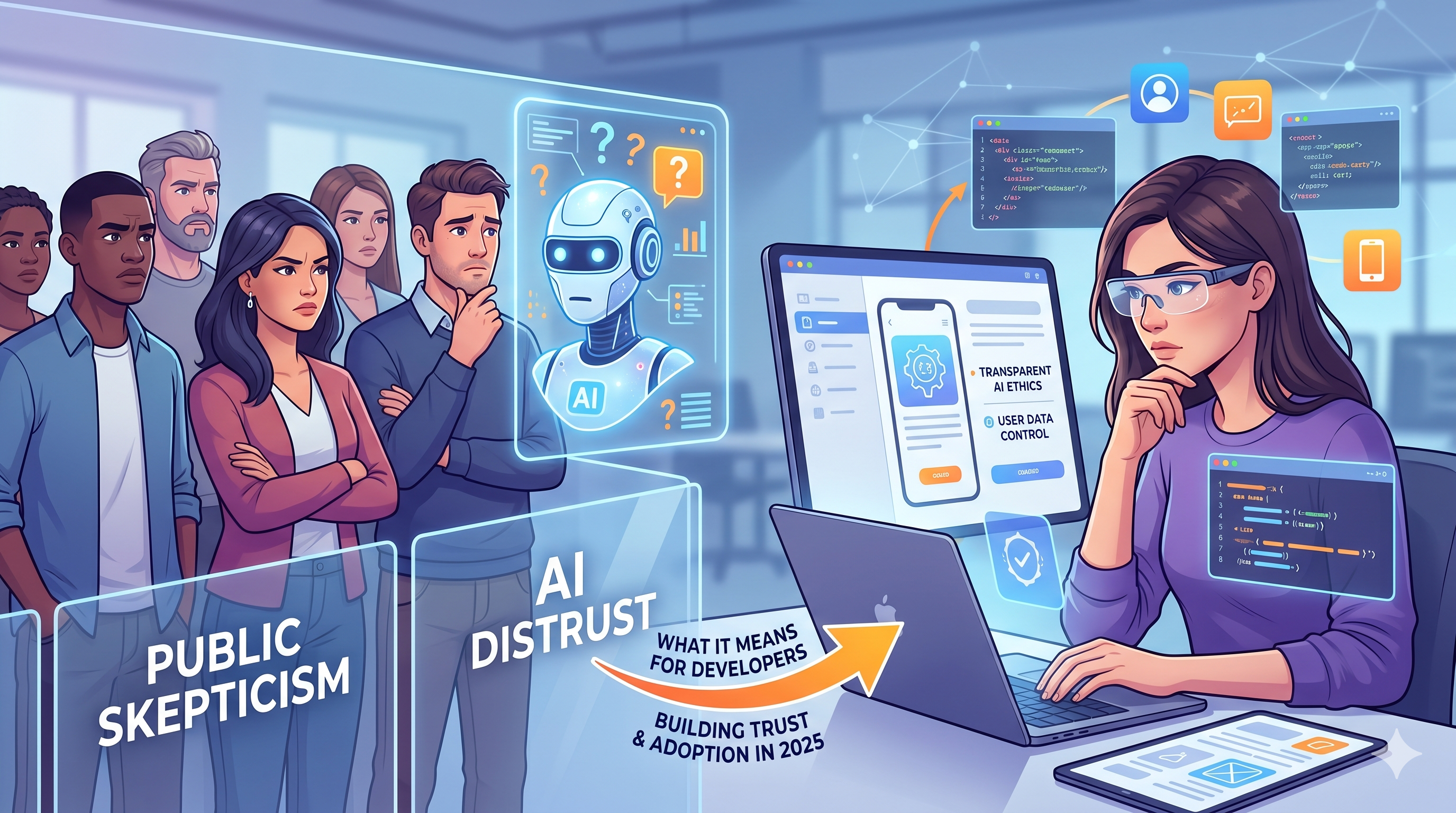
The headline numbers
- 63% of Americans say they don’t trust AI to make important decisions for them. (Pew‑Gallup, 2025)
- Only 19% express confidence that AI systems are fair and unbiased.
- 71% feel the government and big tech are not doing enough to regulate AI responsibly.
- Trust drops even further among respondents under 35, a demographic that fuels most app downloads.
These figures are more than a snapshot; they signal a widening gap between rapid AI adoption in tech stacks and public sentiment. For developers building mobile experiences, the gap translates into friction at every stage of the user journey—from the moment a screenshot is generated by an AI tool to the final purchase decision in the App Store.
Why the distrust? A layered look
1. Perceived opacity
Many respondents cited “black‑box” behavior as a primary concern. When AI models cannot explain how they arrived at a recommendation, users assume hidden agendas or hidden errors.
2. Data‑privacy fatigue
The same poll linked distrust to worries about personal data being harvested for training models. Recent high‑profile data breaches have amplified this anxiety, especially among younger users who are more privacy‑savvy.
3. Bias & fairness scandals
Stories of facial‑recognition bias, algorithmic hiring discrimination, and deep‑fake misuse have cemented a narrative that AI can amplify existing societal inequities.
4. Regulatory vacuum
Only 22% of respondents believe current regulations are sufficient. The lack of clear, enforceable standards fuels the perception that AI is unaccountable.
5. Economic displacement fears
A lingering dread that AI will replace jobs—particularly in creative fields—feeds a broader distrust of the technology’s motives.
What the mistrust means for mobile developers
| Impact Area | How distrust shows up | Practical risk for devs |
|---|---|---|
| App Store Optimization (ASO) | Users skim metadata and screenshots, looking for human‑crafted authenticity. | AI‑generated screenshots may be flagged as “generic” or “inauthentic,” lowering conversion rates. |
| User acquisition | Advertising platforms increasingly use AI for audience targeting. | Over‑personalized ads can feel invasive, prompting higher opt‑out rates. |
| Retention | In‑app AI assistants that make recommendations without clear rationale. | Users may abandon the app if they suspect hidden data collection or unfair decisions. |
| Brand reputation | Public backlash against AI misuse can spill over to any brand associated with it. | Negative press can reduce organic installs and increase churn. |
For indie hackers and startup founders, the stakes are high: a single perception of “AI‑only” can erode the trust that fuels word‑of‑mouth growth.
Turning mistrust into a competitive advantage
1. Make the AI transparent
- Explainability widgets – tiny UI elements that surface the reason behind an AI‑generated suggestion (e.g., “We chose this screenshot because it highlights the newest feature”).
- Version logs – publish changelogs that detail model updates, data sources, and bias‑mitigation steps.
2. Prioritize privacy by design
- On‑device inference – run models locally where possible, reducing data sent to the cloud.
- Explicit consent flows – ask users why you need data and give them granular control.
3. Leverage third‑party ethical tools
ScreenMint, for example, offers AI‑generated screenshots with built‑in attribution and audit trails. Its platform logs every prompt, model version, and image output, giving developers a clear provenance record that can be shared with reviewers and users alike.
4. Adopt emerging standards
- ISO/IEC 42001 (AI Management System) – early adopters can showcase compliance badges in app listings.
- EU AI Act readiness – even if your market is the US, aligning with global standards signals a commitment to responsible AI.
5. Human‑in‑the‑loop workflows
Instead of fully automated pipelines, embed a quick reviewer step:
- AI drafts a screenshot set.
- A designer or product manager reviews, tweaks, and adds a human‑touch note.
- The final asset is published with a “Human‑curated” badge.
Case study: A indie game launch that leveraged trust‑first AI
Background: A two‑person studio used ScreenMint to generate localized screenshots for their puzzle game. They worried that AI‑only assets would look generic.
Approach:
- Generated three variants per locale.
- Conducted a 48‑hour internal review where the founder added hand‑drawn call‑outs.
- Published the assets with a “Human‑reviewed” label in the store description.
Result: Conversion rates on the App Store were 12% higher than the industry average for similar titles, and user reviews mentioned the “personal feel” of the screenshots despite being AI‑assisted.
The takeaway: AI can accelerate production, but a thin layer of human validation restores the authenticity users crave.
How to audit your AI‑driven workflows today
- Map every AI touchpoint – from design generation to ad targeting.
- Assign accountability – designate a “trust champion” who owns explainability documentation.
- Run bias tests – use open‑source toolkits (e.g., IBM AI Fairness 360) on any model that influences user‑facing decisions.
- Collect user feedback – embed a one‑click “Why did you see this?” prompt in AI‑powered features.
- Iterate publicly – share findings in your blog or release notes; transparency builds goodwill.
FAQ
Q1: Does using AI for screenshot generation violate App Store policies? A: No. Both Apple and Google allow AI‑generated assets, but they require that the content accurately represent the app. Adding a human‑review step ensures compliance and mitigates the “generic AI” perception.
Q2: How can I prove my AI model isn’t biased? A: Run regular fairness audits, publish the methodology, and consider third‑party certifications. Tools like ScreenMint keep a versioned log of model training data, which can be shared with auditors.
Q3: Will future regulations force me to stop using AI in marketing? A: Unlikely. Regulations are expected to focus on how AI is used—transparency, consent, and bias mitigation—rather than an outright ban. Building compliant practices now future‑proofs your workflow.
Q4: Is on‑device AI realistic for small teams? A: Yes. Lightweight models (e.g., MobileBERT) can run inference locally for tasks like image up‑scaling or text generation, reducing data exposure and latency.
Q5: How much does adding a human‑in‑the‑loop step cost? A: For most indie teams, a 5‑minute review per asset translates to under an hour per release—well‑worth the uplift in conversion and brand trust.
Bottom line
The 2025 Pew‑Gallup poll makes it clear: trust is the new currency for AI. Mobile developers who ignore the sentiment risk lower conversion, higher churn, and reputational damage. By weaving transparency, privacy, and human oversight into AI‑driven workflows—whether you’re generating screenshots, personalizing ads, or powering in‑app assistants—you can turn skepticism into a differentiator.
ScreenMint exemplifies how an AI‑first tool can still honor trust: it logs every generation, supports on‑device inference, and offers easy ways to add a human signature. Adopt similar practices, audit rigorously, and you’ll not only survive the trust gap—you’ll thrive in it.
Practical takeaways
- Audit every AI touchpoint before launch.
- Add a quick human review to all outward‑facing assets.
- Use tools with built‑in provenance (e.g., ScreenMint) to demonstrate transparency.
- Publish your AI policy in app store listings and on your website.
- Stay ahead of regulation by aligning with emerging standards like ISO 42001.