Accelerating Prototyping: Harnessing AI for Faster Development
In the age of AI, prototyping has never been faster or more efficient. Discover how developers can leverage AI tools to streamline their workflow and enhance creativity.
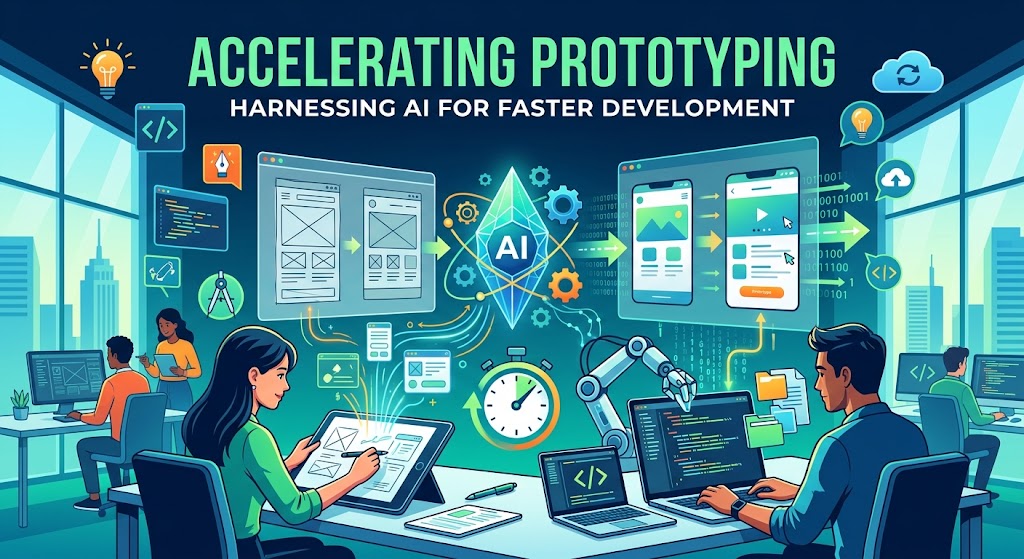
The Speed of Prototyping in the Age of AI
Prototyping has always been a critical phase in the development lifecycle, enabling teams to visualize concepts, test ideas, and iterate on feedback. However, in recent years, the advent of artificial intelligence has significantly accelerated this process, allowing developers to bring their visions to life faster than ever before. In this article, we explore how AI is transforming the prototyping landscape, providing insights and practical takeaways for indie hackers, startup founders, and mobile developers.
The Evolution of Prototyping
Traditionally, prototyping involved a series of manual steps:
- Idea Generation: Brainstorming and sketching initial concepts.
- Wireframing: Creating low-fidelity wireframes to outline the app’s structure.
- Designing: Developing high-fidelity mockups with design tools.
- User Testing: Gathering feedback through usability testing.
Each of these steps requires time, effort, and collaboration, often resulting in lengthy development cycles. However, with the integration of AI technologies, developers can now streamline these processes, enabling quicker iterations and more rapid feedback loops.
AI-Powered Prototyping Tools: A Game Changer
AI-driven prototyping tools are emerging as a cornerstone of modern development, helping teams to:
- Automate Repetitive Tasks: AI can handle mundane tasks such as layout adjustments and color selections, freeing designers to focus on more complex creative challenges.
- Generate Insights from Data: By analyzing user behavior and preferences, AI can provide actionable insights that inform design decisions and improve user experience.
- Facilitate Rapid Iteration: With AI, changes can be implemented and tested almost instantaneously, allowing for a more agile development process.
Popular AI Prototyping Tools
Here are a few notable AI-powered tools that are making waves in the prototyping space:
| Tool Name | Key Features | Best For |
|---|---|---|
| Figma | AI-assisted design suggestions, collaborative features | UI/UX designers |
| Sketch | Smart layout features, plugin integrations | Mobile app designers |
| Adobe XD | Auto-animate features, voice prototyping | Complete design workflows |
| InVision | AI-driven usability testing, feedback integration | Remote teams |
| ScreenMint | Automated screenshots, ASO metadata generation | App developers |
The Impact on Development Cycles
The integration of AI into the prototyping process is not just about speed; it’s also about enhancing creativity and innovation. By automating routine tasks and providing intelligent suggestions, AI tools empower developers and designers to explore more ideas in less time. Here are some key impacts:
- Reduced Time to Market: Faster prototyping leads to quicker launch times, allowing startups to capture market opportunities before competitors.
- Enhanced Collaboration: AI tools facilitate better communication among team members, ensuring that everyone is aligned on project goals and design visions.
- Improved User Focus: With AI-driven insights, teams can better understand user needs and preferences, leading to products that resonate more with their target audience.
Challenges and Considerations
While AI offers numerous advantages, it also presents certain challenges that developers should be aware of:
- Over-reliance on Tools: Developers may become overly dependent on AI, potentially stifling their own creativity and problem-solving skills.
- Quality Control: AI-generated designs or suggestions may not always align with brand guidelines or user expectations, necessitating careful review.
- Data Privacy: The use of AI often involves collecting user data, raising concerns about privacy and compliance with regulations.
Practical Takeaways for Developers
To effectively leverage AI in your prototyping process, consider the following strategies:
- Experiment with AI Tools: Explore various AI prototyping tools to find those that best suit your workflow and project needs.
- Balance Automation with Human Insight: Use AI to enhance your creativity, but ensure that your unique perspective and expertise remain integral to the design process.
- Stay Informed on Trends: The AI landscape is constantly evolving, so stay updated on new technologies and methodologies that can further improve your prototyping efforts.
FAQ
Q1: How can AI improve the user experience in mobile apps?
A1: AI can analyze user behavior, providing insights that help optimize designs and features, ensuring the app meets user needs and preferences.
Q2: Are there any downsides to using AI in prototyping?
A2: Yes, potential downsides include over-reliance on AI tools, quality control issues, and data privacy concerns.
Q3: What are some examples of AI tools for prototyping?
A3: Notable tools include Figma, Sketch, Adobe XD, InVision, and ScreenMint for automated app assets.
Bottom Line
The speed of prototyping has reached new heights in the age of AI, providing developers with powerful tools to enhance creativity, streamline processes, and improve collaboration. By embracing AI-driven solutions, indie hackers and startup founders can significantly reduce their time to market while creating products that genuinely resonate with users. Engaging with these technologies not only prepares teams for the future but also paves the way for innovative solutions that can redefine industries.